


Stored locally
Recordings, transcripts, recaps, and chats are kept on your own devices.

Wspr records and transcribes your meetings on iPhone and Mac, then writes recaps and answers questions with quotes you can check. It all stays on your devices.
Free on the App Store. For iPhone with iOS 27 and Mac with macOS 26, or later.
Apple’s speech recognition for English and Whisper for other languages, running on your iPhone or Mac. Choose a language for every meeting, or just for one.
Brief or detailed recaps for stand-ups, client calls, interviews, decisions, and retrospectives. Every point links to the exact words it came from, and you can edit any of them.
Ask what was agreed. An answer is only saved when its quotes match the transcript.
See upcoming meetings from Apple Calendar, including Google and Outlook accounts added there. Wspr never edits them.
Bring in M4A, MP3, WAV, AAC, AIFF, CAF, or FLAC files and transcribe them like any meeting. The original file is never changed.
Recordings sync between your iPhone and Mac through your own private iCloud.
Real screens from the app, on Mac and iPhone. A recap that shows its sources, the transcript it came from, and answers you can check.
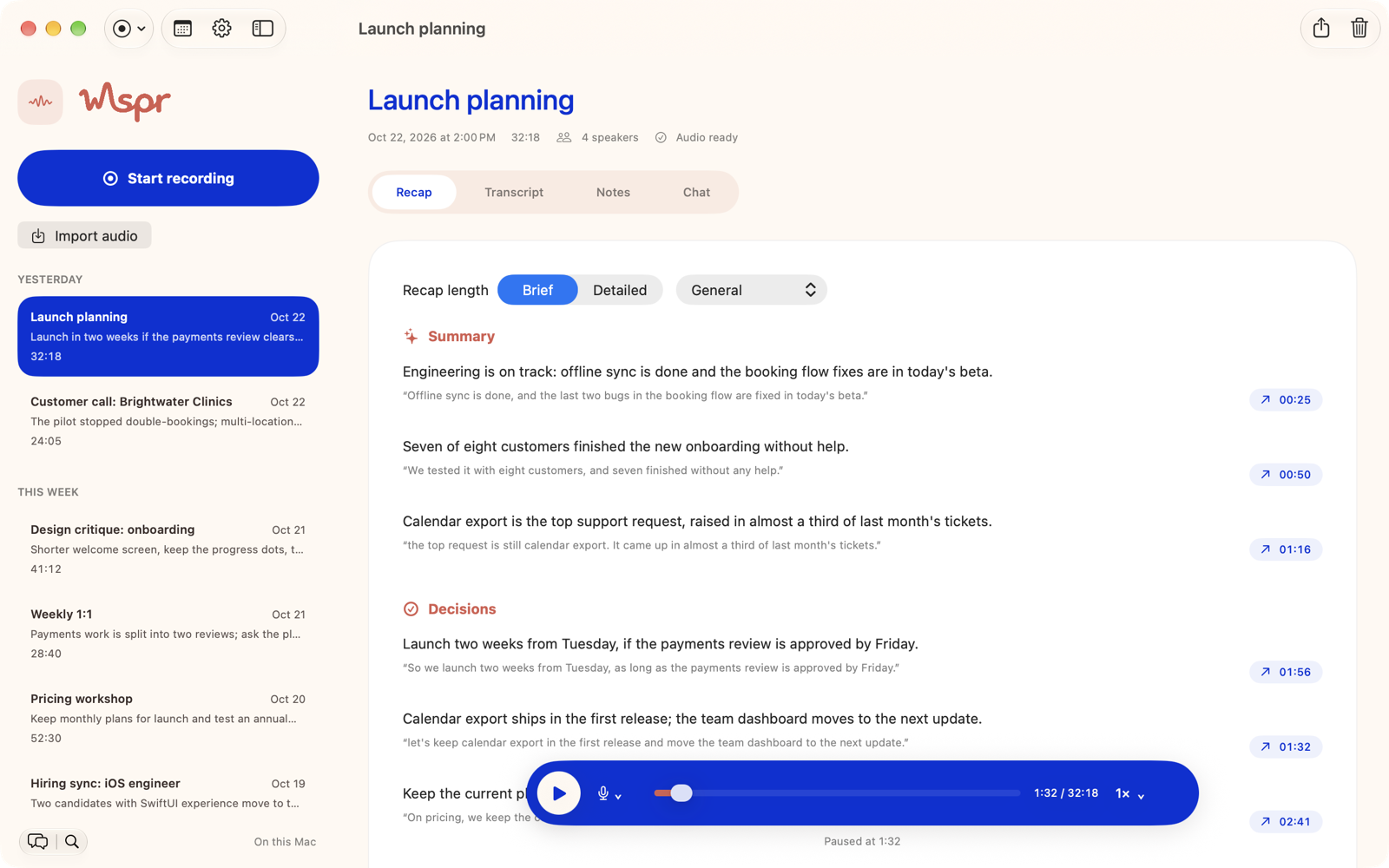
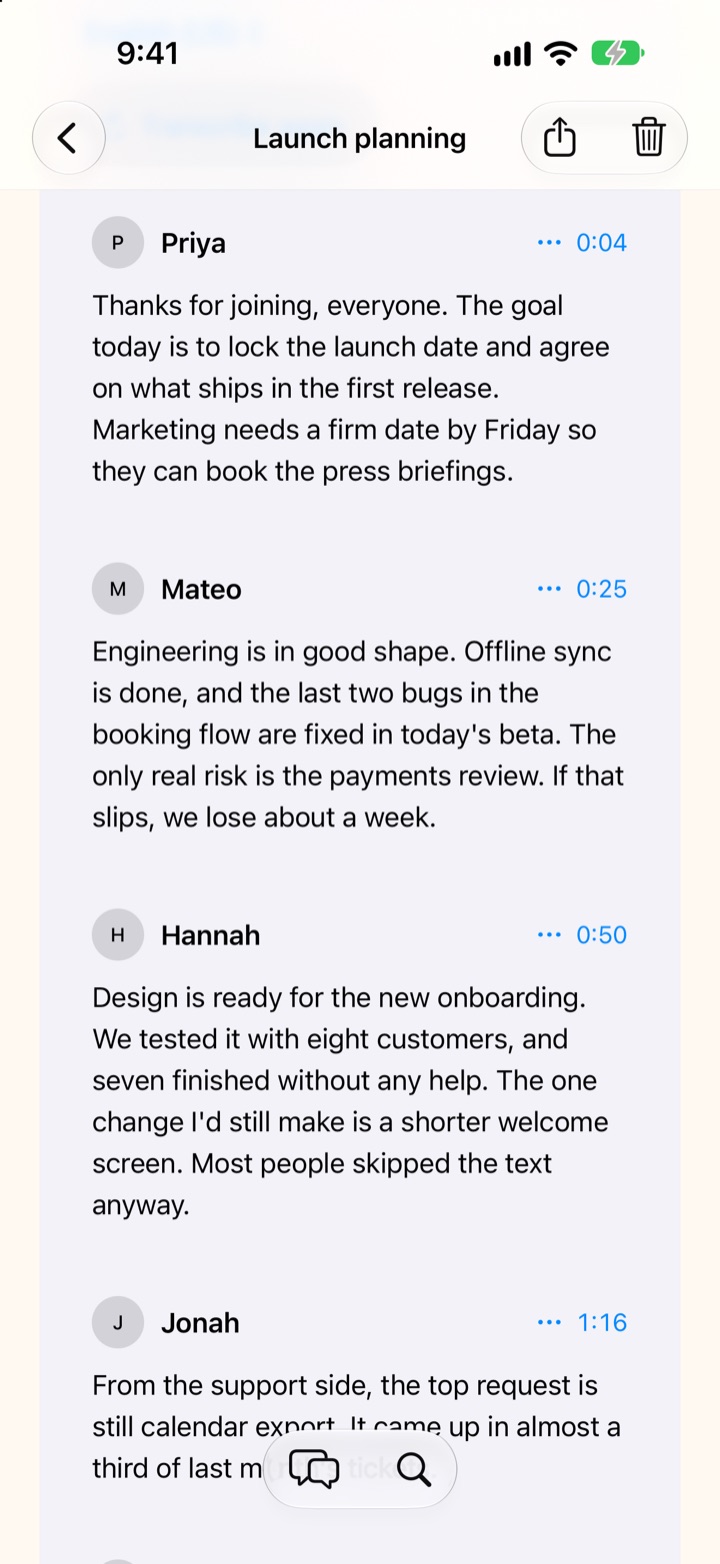
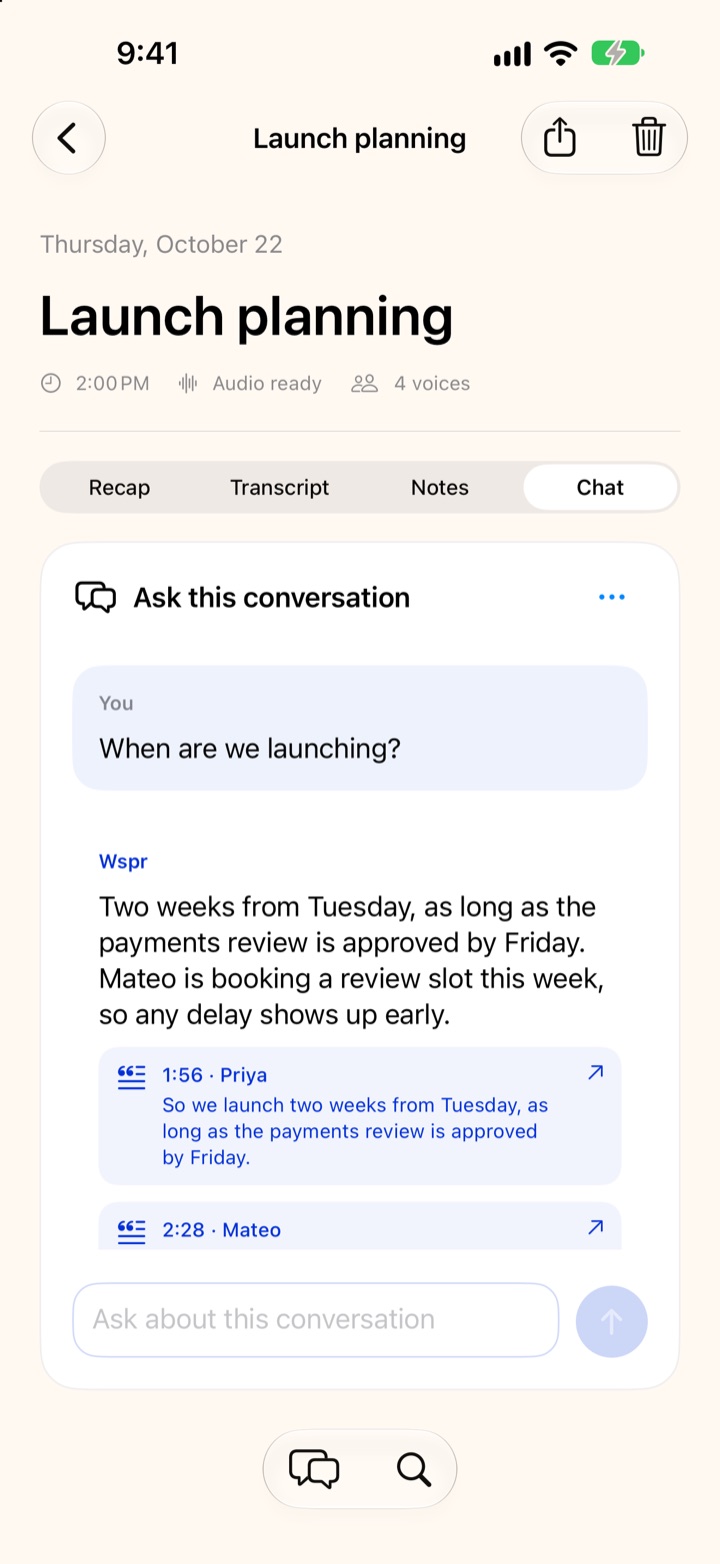
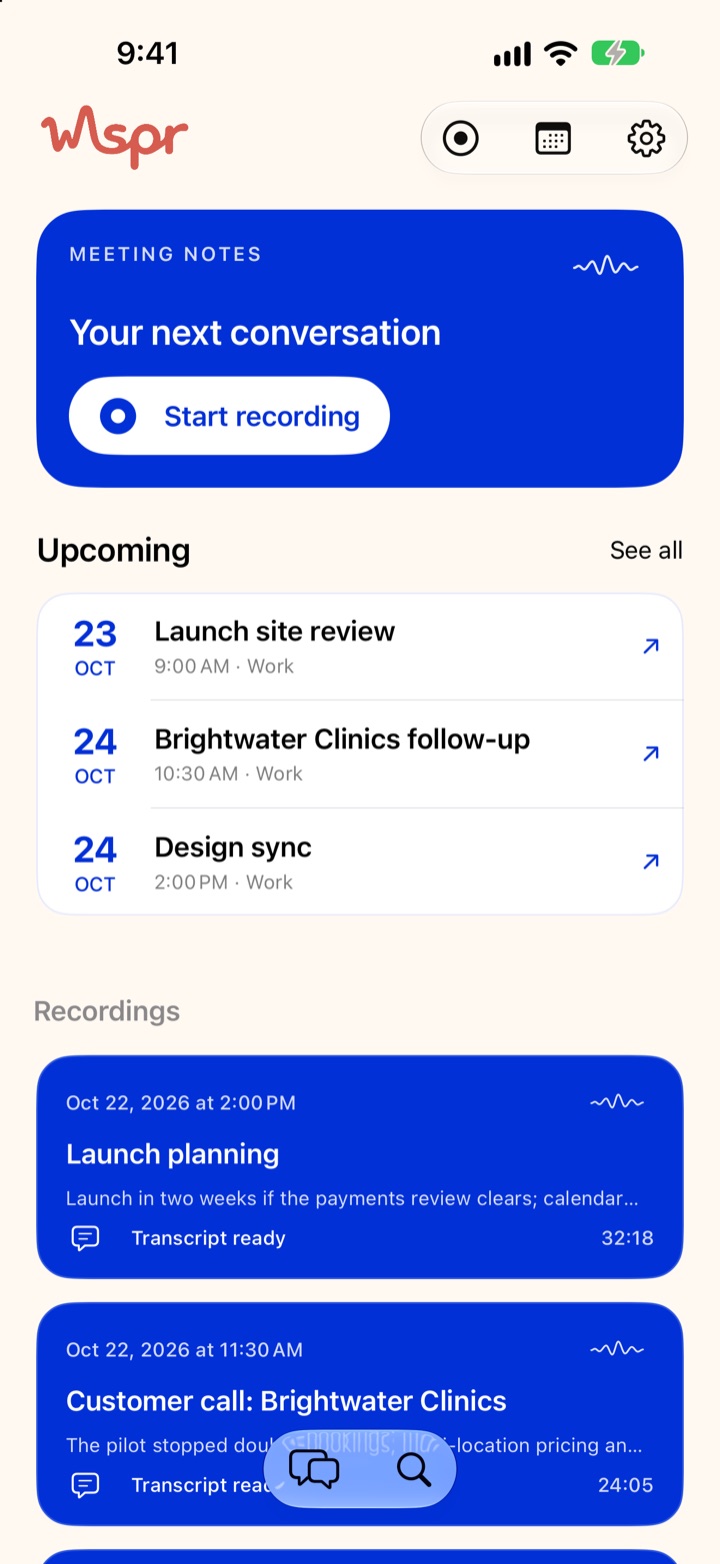
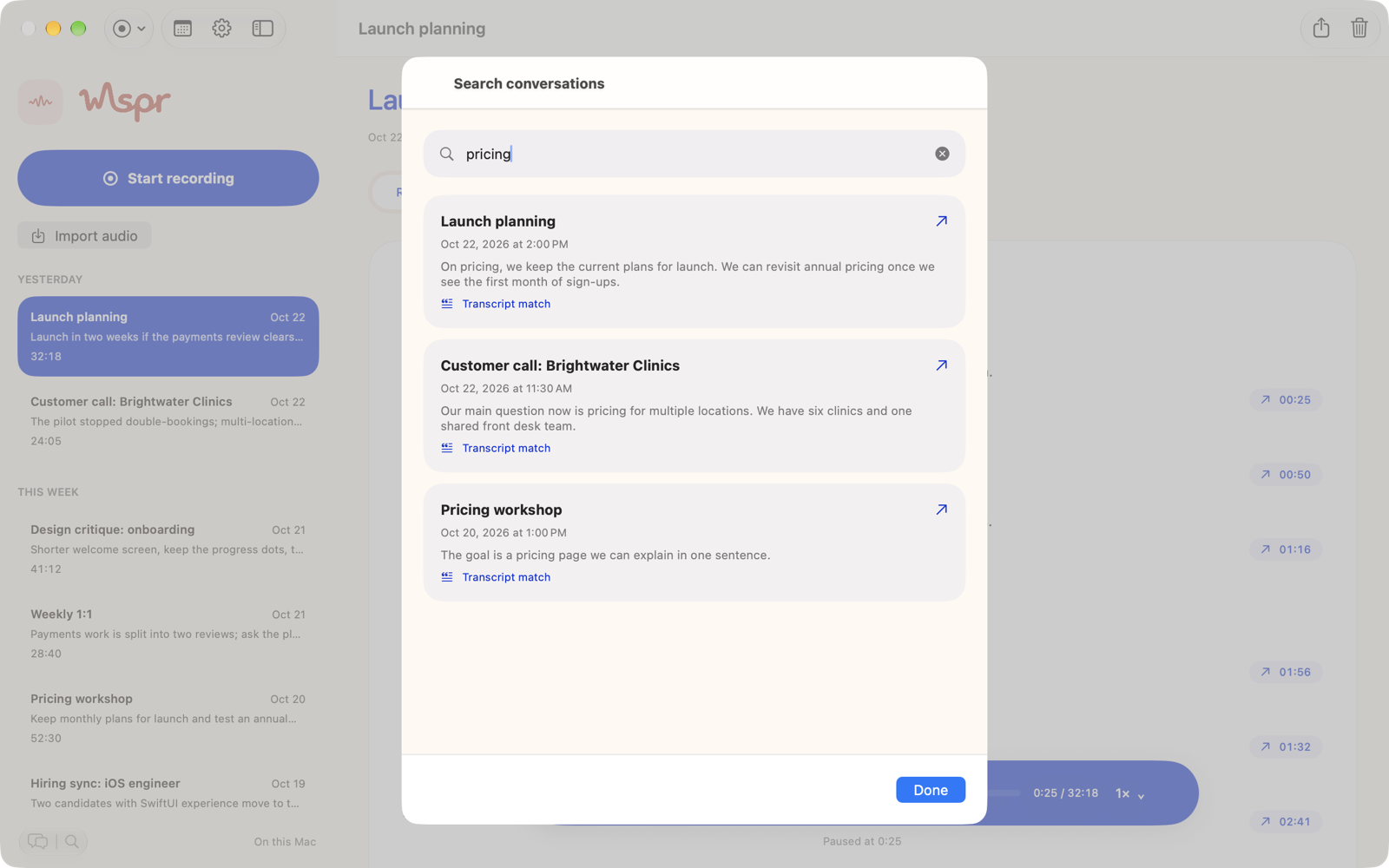
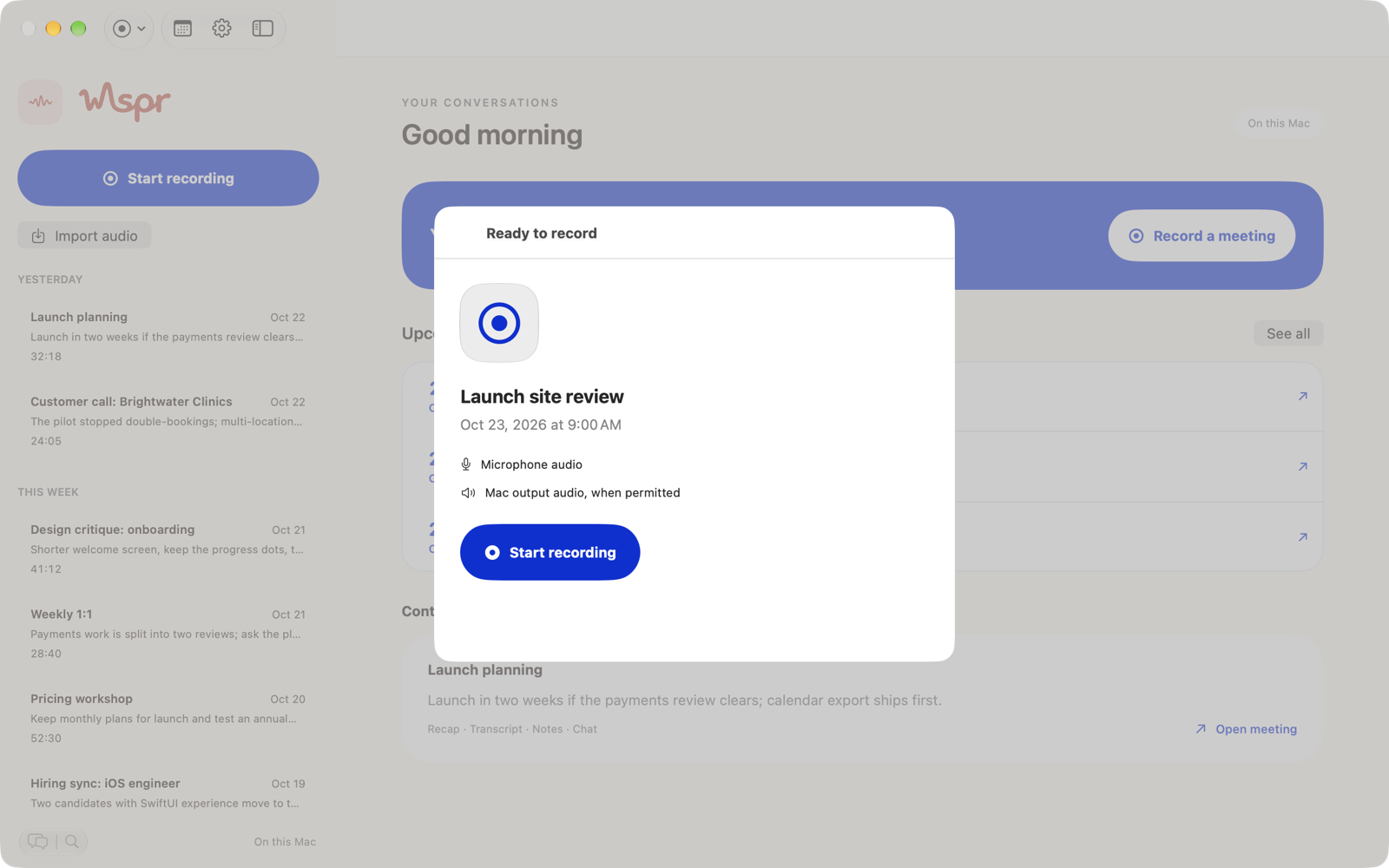
The people, companies and meetings in these screenshots are invented for the demo.
Download a model once and run it on an iPhone, iPad, or Apple silicon Mac. Downloads are checked against known hashes before they load.
Uses Apple’s on-device models where your device supports them.
Point Wspr at an Ollama server on your Mac or network. Only your question and the transcript text are sent, never audio.
Answers and recaps from the model you pick:
Audio, transcripts, and notes are stored on your iPhone and Mac. There are no ads and no analytics in the app.
Recordings, transcripts, recaps, and chats are kept on your own devices.
Sync uses the private iCloud database of your own Apple Account, not a server of ours.
Questions and answers are stored per meeting on the device and are not synced. Deleting a meeting removes them.